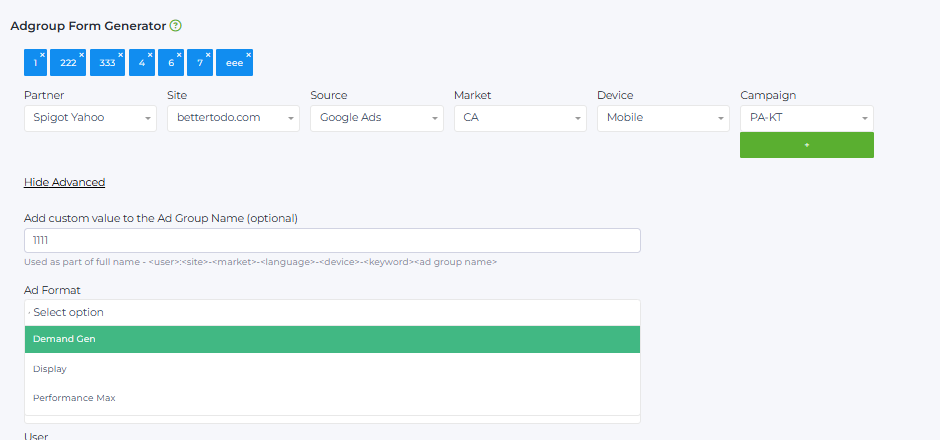
❌ Site Page is not set
Go to the Advanced section and select the required value in the Site Page field.
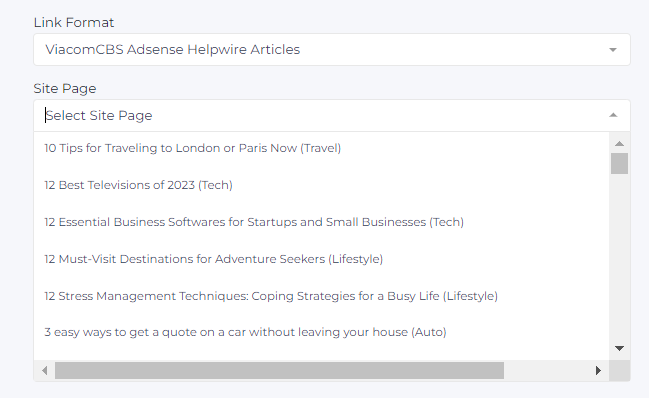
❌ “The Adgroup Name with selected values already exists”
This error occurs because the same Ad Group name is already in use.

To fix the issue, go to the Advanced section and in the field “Add custom value to the Ad Group Name (optional)” add an additional parameter, for example a date.
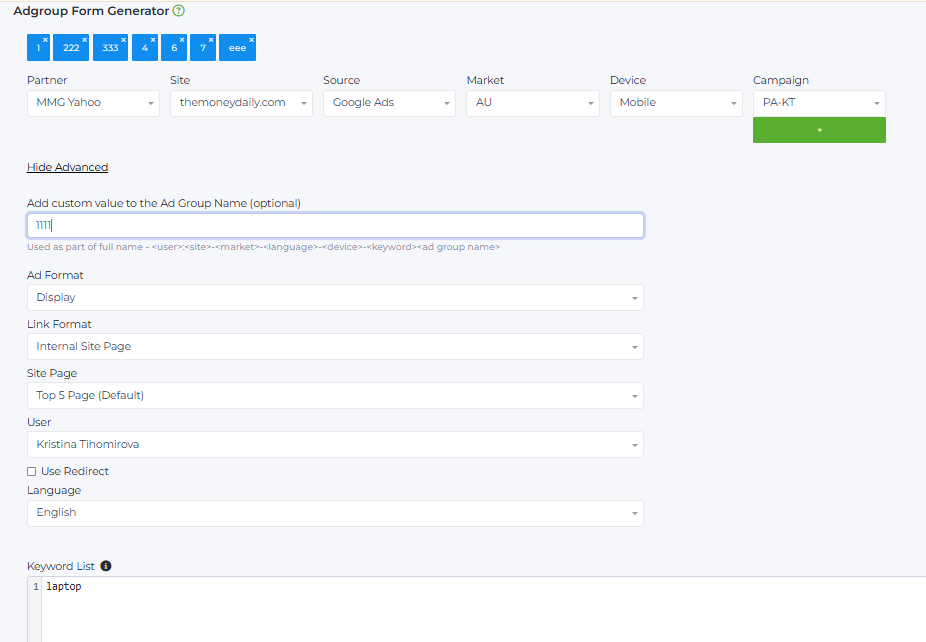
❌ No Campaign selected
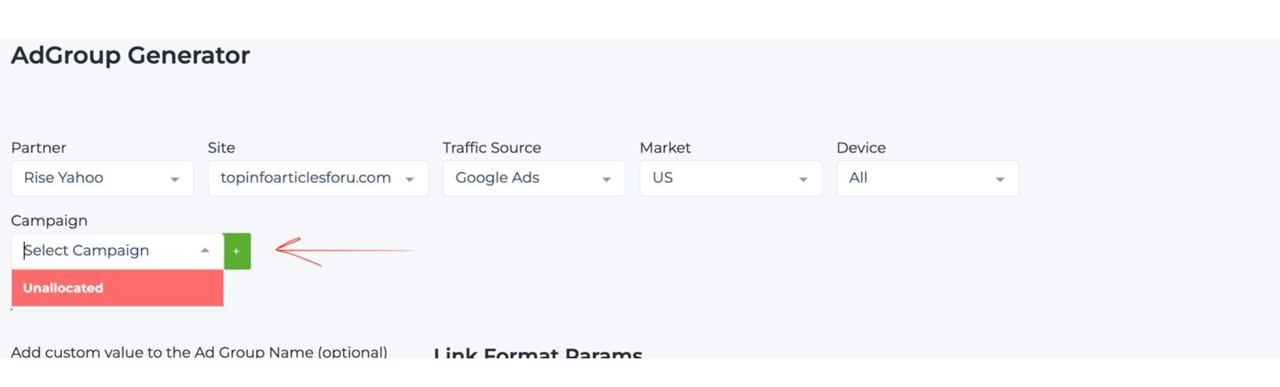
Option 1:
Go to Management → Campaign → Campaign List and create a new campaign with a unique name.
Option 2:
In the Adgroup Form Generator, click the “+” button next to the Campaign field and create a new campaign name.
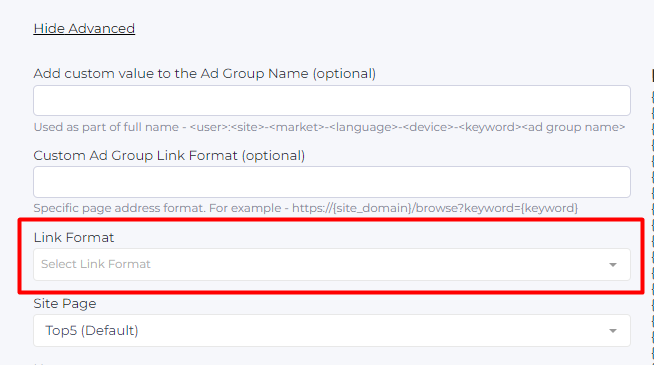
❌ Target URL format is not set
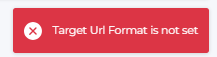
Click Advanced and select Link Format from the dropdown list.
❌ Market is not set
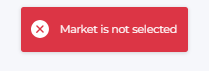
This error occurs because no market has been selected for which the ad group will be created during link generation.

❌ Ad Format is not set
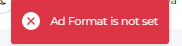
When generating links for Google Ads, you must select the ad type in the Advanced tab:
Display, Demand Gen, or Performance.